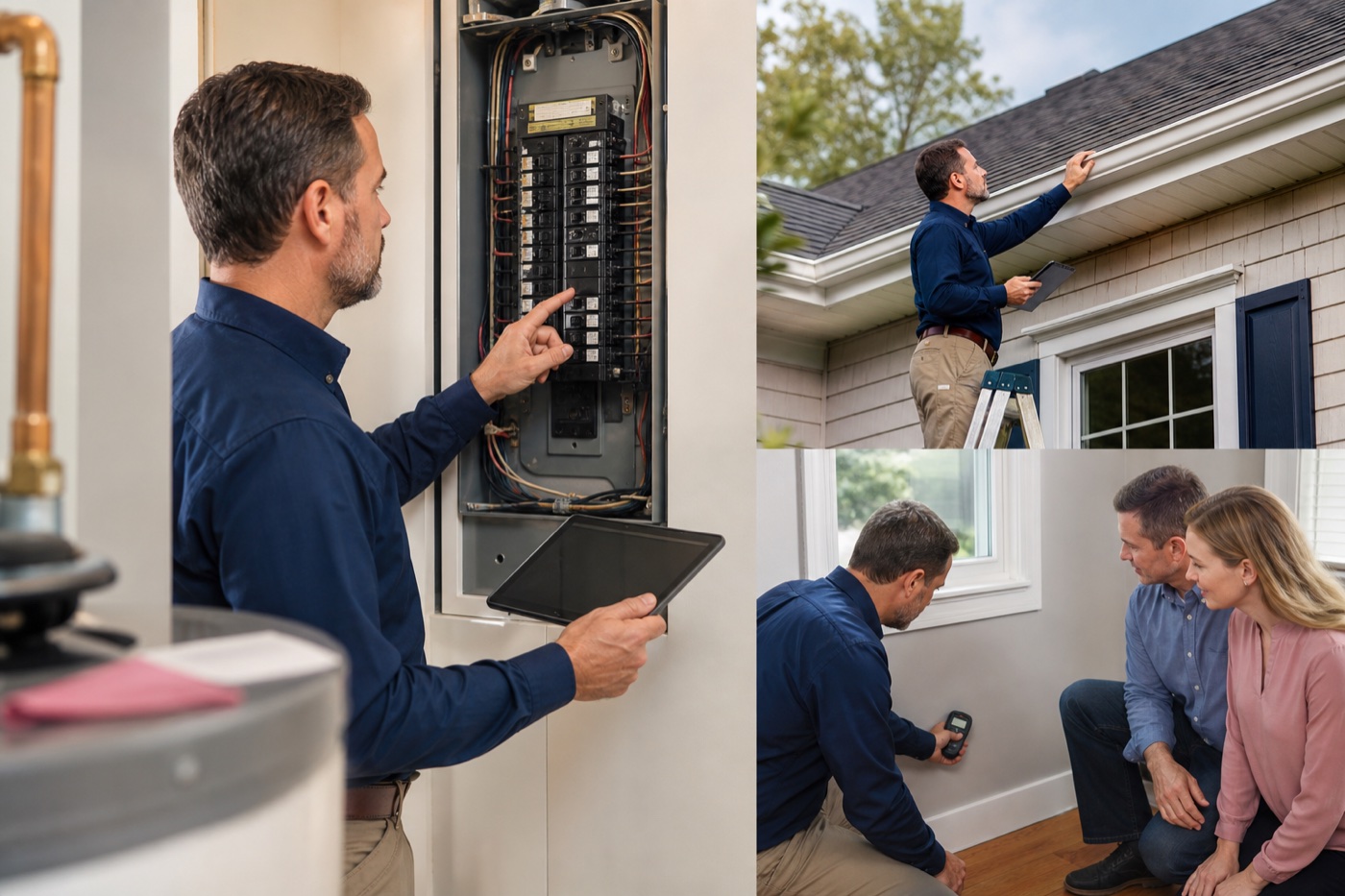
Capture contents onsite
Keep client properties and affected contents connected to the right location, responsible people, evidence, status, and earlier history.

Document client sites, affected contents, rooms, condition, photos, custody, equipment, decisions, and defensible project history.
Try ItemtopiaPro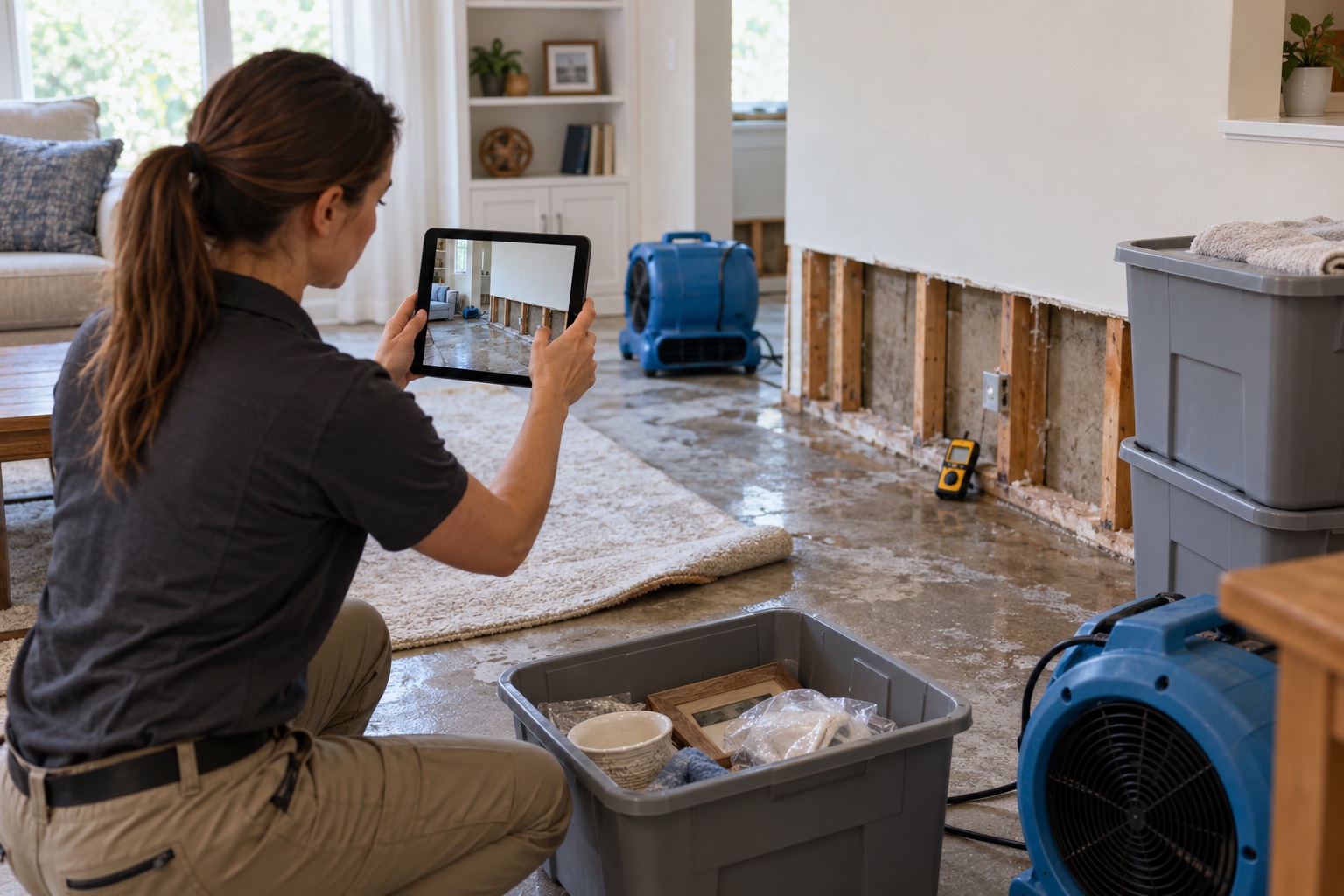
Restoration & Disaster Recovery teams rarely need another isolated list. They need to understand how client properties, affected contents, rooms and work areas, and the people responsible for them affect the work. ItemtopiaPro keeps that context with the record, so a photo, document, finding, assignment, or service event does not become another disconnected file.
Start with one process and add more as the record becomes useful across your operation.
Keep client properties and affected contents connected to the right location, responsible people, evidence, status, and earlier history.
Keep affected contents and rooms and work areas connected to the right location, responsible people, evidence, status, and earlier history.
Keep rooms and work areas and condition evidence connected to the right location, responsible people, evidence, status, and earlier history.
Keep condition evidence and project equipment connected to the right location, responsible people, evidence, status, and earlier history.
The answer is rarely just what you have. Teams also need to know where it is, who is responsible, what happened, and what comes next.
Organize records around sites, buildings, rooms, vehicles, storage areas, client properties, or your own location structure.
Connect staff, departments, clients, vendors, contractors, recipients, or other people to the records they help manage.
Keep photos, documents, receipts, warranties, notes, inspections, issues, service work, and decisions with the asset.
Teams can organize client properties, affected contents, rooms and work areas, condition evidence, project equipment, documents and contacts, along with photos, documents, responsible people, locations, issues, inspections, and history.
Yes. Teams can configure modules, groups, fields, locations, people, and status boards around their terminology while keeping each record connected to the same operational history.
ItemtopiaPro goes beyond a flat inventory list. It connects assets to the places, people, documents, service events, inspections, issues, and decisions that explain what needs attention next.