Catalogue items on site
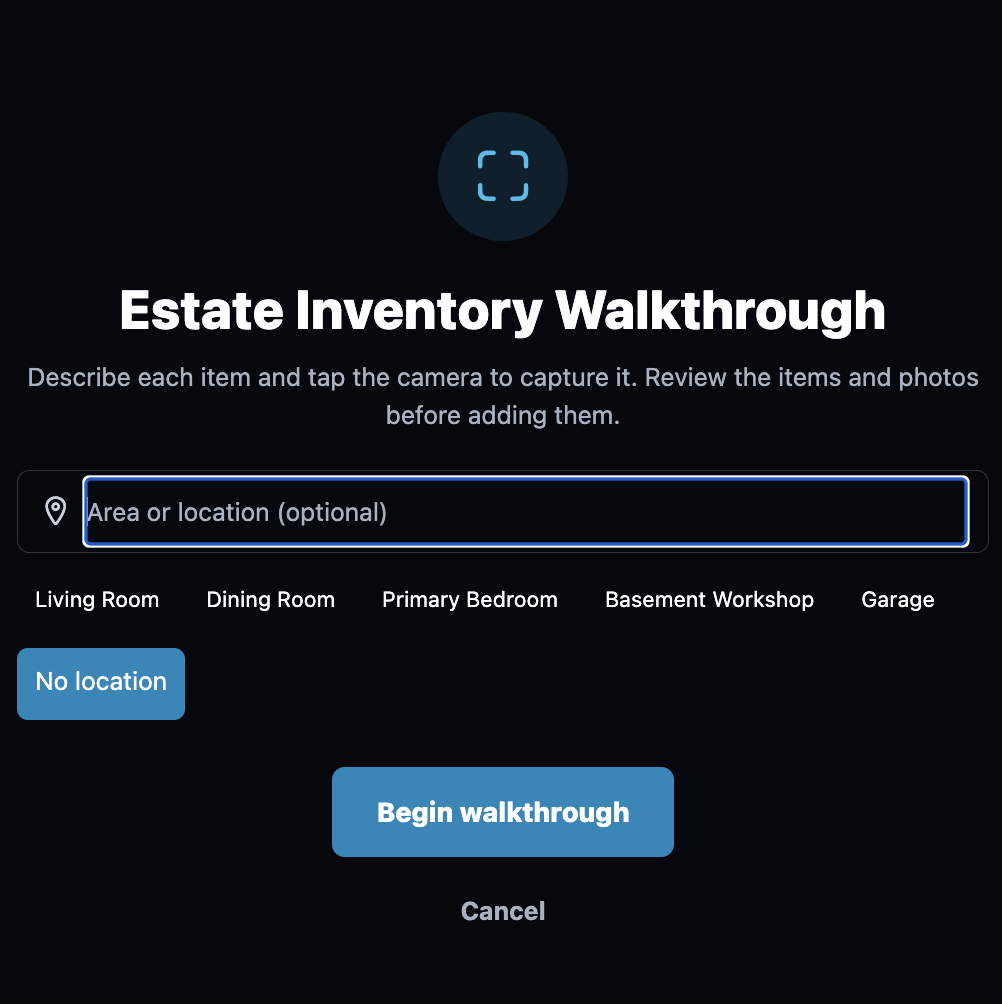
Use Video AI Photo Capture to draft an inventory as you walk through the property. Add multiple photos, record condition and provenance, and get a quick value range or research comparable sales and auction results.

Catalogue estate contents with photos and AI-assisted valuations. Share a web catalogue, assign items to recipients or charities, and print visual reports.
Try ItemtopiaPro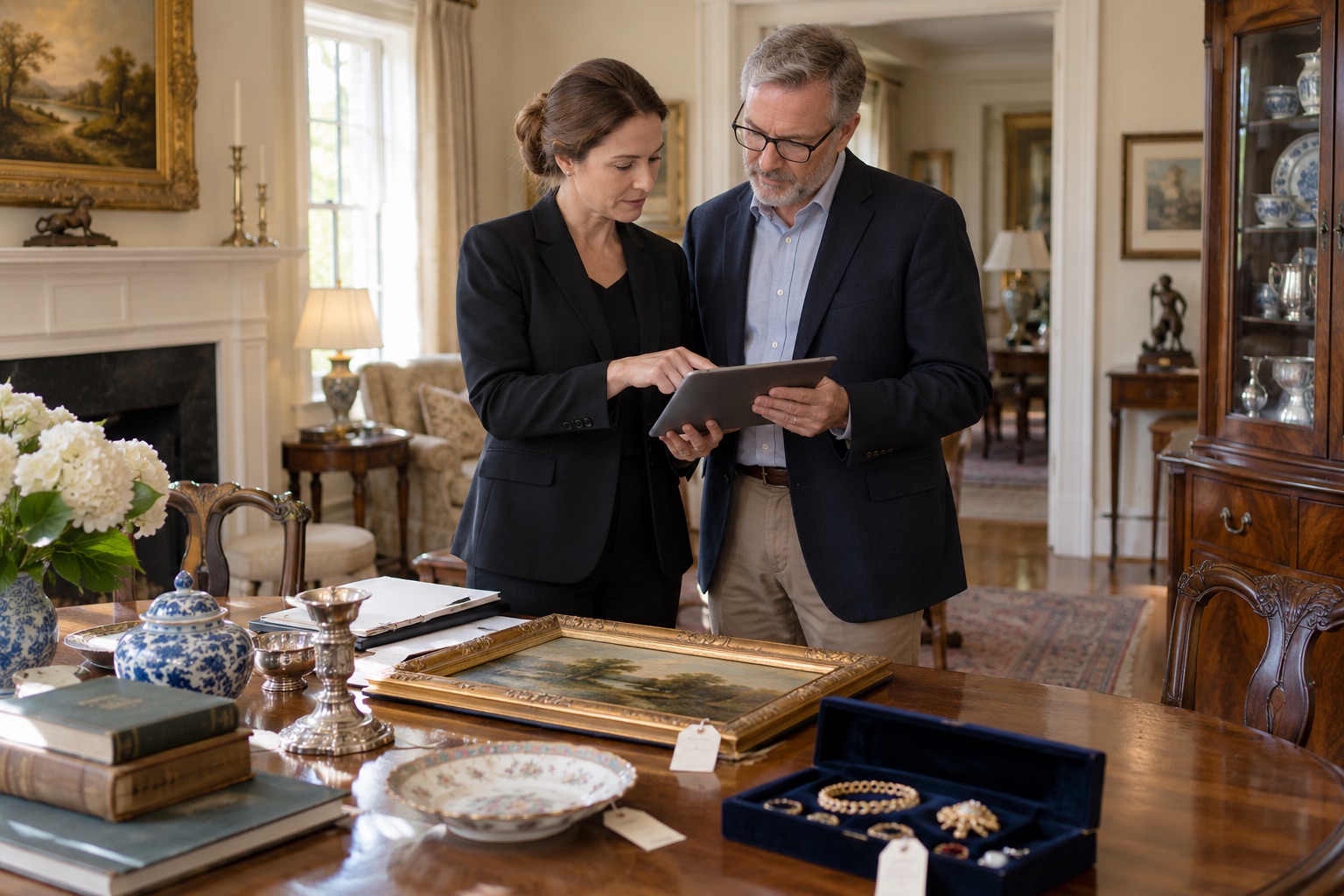
Use Video AI Photo Capture to draft an inventory as you walk through the property. Add multiple photos, record condition and provenance, and get a quick value range or research comparable sales and auction results.
Choose which items and details appear on the estate’s website, then send the link to family, beneficiaries, or other interested parties. Visitors can browse photos, like items, and leave comments. Set likes to private or public and decide whether comments are private, public, or up to each visitor.
Keep an estate-specific list of beneficiaries and other recipients, such as an auction house. Use Give to on each item and open a recipient’s list to see their assigned items and quantities. Track donations, transfers, and acknowledgments separately.
Create a detailed photo report or an inventory pick list for executors and clients. Choose the whole estate or filter by decision, person, or location. Print the result or save it as a PDF.
Review estimated values by decision and record actual sale proceeds as items sell. Tailor the report by sorting by location, person, item category, or item name and choosing compact, standard, or large images.
A detailed report puts estate totals alongside individual item photos, descriptions, quantities, locations, assignments, and values. Use a pick list when you need to pull specific items for handover.
Illustrative figures in USD for a high-value collection and household contents.
ItemtopiaPro is used for estates worldwide, from small households to an estate valued in the billions. The app is available in 17 languages.
Open the mobile app, choose a room, and photograph items as you go. Add descriptions, values, and supporting documents when you have them.
Set up and manage each estate independently. Keep its inventory, catalogue, assignments, and reports together as your firm takes on more clients.
Give beneficiaries a link they can open in a browser to see the items and photos you’ve shared.
Use item details and a photo to get a quick estimated range. For a closer look, use AI Deep Research to find comparable sales, auction results, and other market evidence. Review the sources and estimates alongside any formal appraisal.
Share the catalogue link with the people you want to reach. People with the link can browse the items you choose to show. You control whether visitors can leave likes or comments and whether that feedback is visible to other visitors.
Yes. Estate management firms can set up hundreds of client estates and manage each one independently, with its own inventory, recipients, donation organizations, websites, and reports.